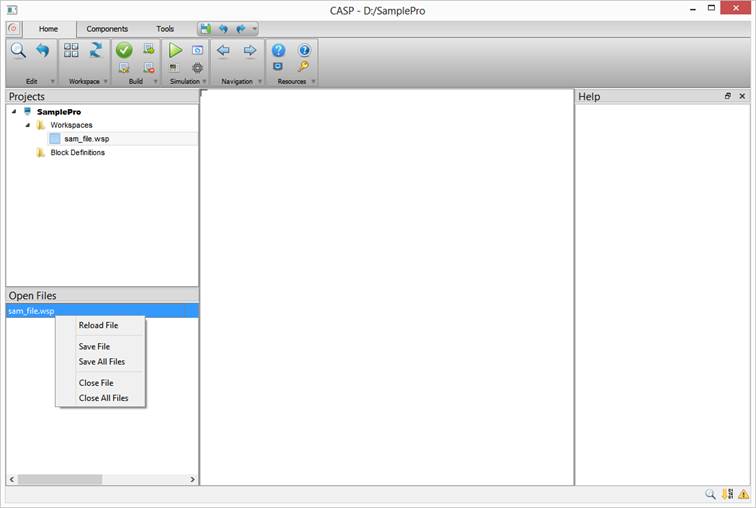
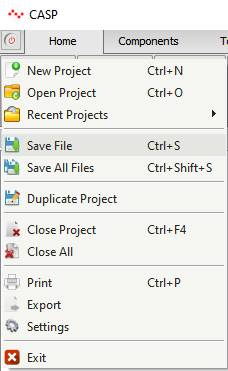
Opened workspace files that are displayed in ‘Open Files’ Window and having unsaved data can be saved from Start->Save File for saving current workspace file or from Start->Save All Files for saving multiple workspace files irrespective of active project. Shortcut keys Ctrl+S and Ctrl+Shift+S can be used for saving single or multiple files respectively.
Workspace files can also be saved from Open Files Window by right clicking on respective file and selecting Save File/Save All Files menu items.