

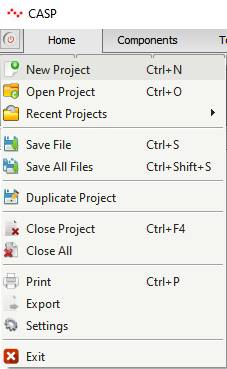
New project can be created from Start->New Project
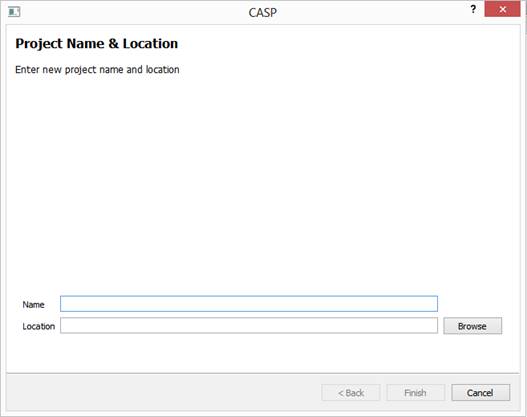
Dialog Box and Parameters
|
Name |
Enter Project Name |
|
Location |
Select Project Parent Directory |
On pressing ‘Finish’ button project directory with specified name will be created in selected location (directory) and required project files will be created inside this directory. New project with same name and location of already existing project cannot be created.