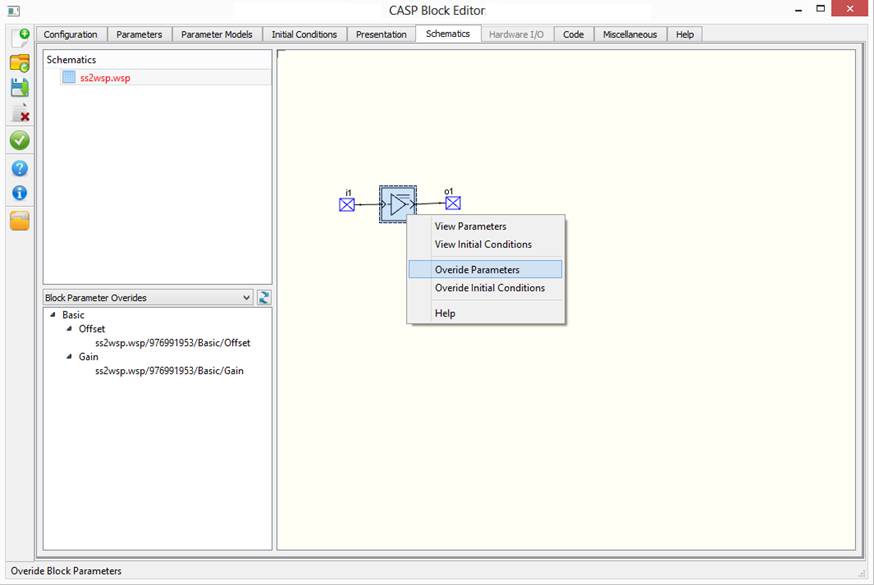
Schematics configuration is used to configure secondary blocks. Following steps describes configuration procedure
· User created secondary block’s workspace files are automatically imported in Schematics window.
· Select one of the workspace files as root file by right clicking on the file and selecting ‘Set As Root File’.
· ‘Signal BlkDef’ blocks appearing in workspace file are imported as block ports. Refer Presentation Configuration for further information.
· Block Parameter Over Riding can be done as described here.